RSyntaxTree Version: 2.4.1
Thank you for using RSyntaxTree. If you like it, please give a star on
GitHub. It will be a great encouragement for me 😃
About
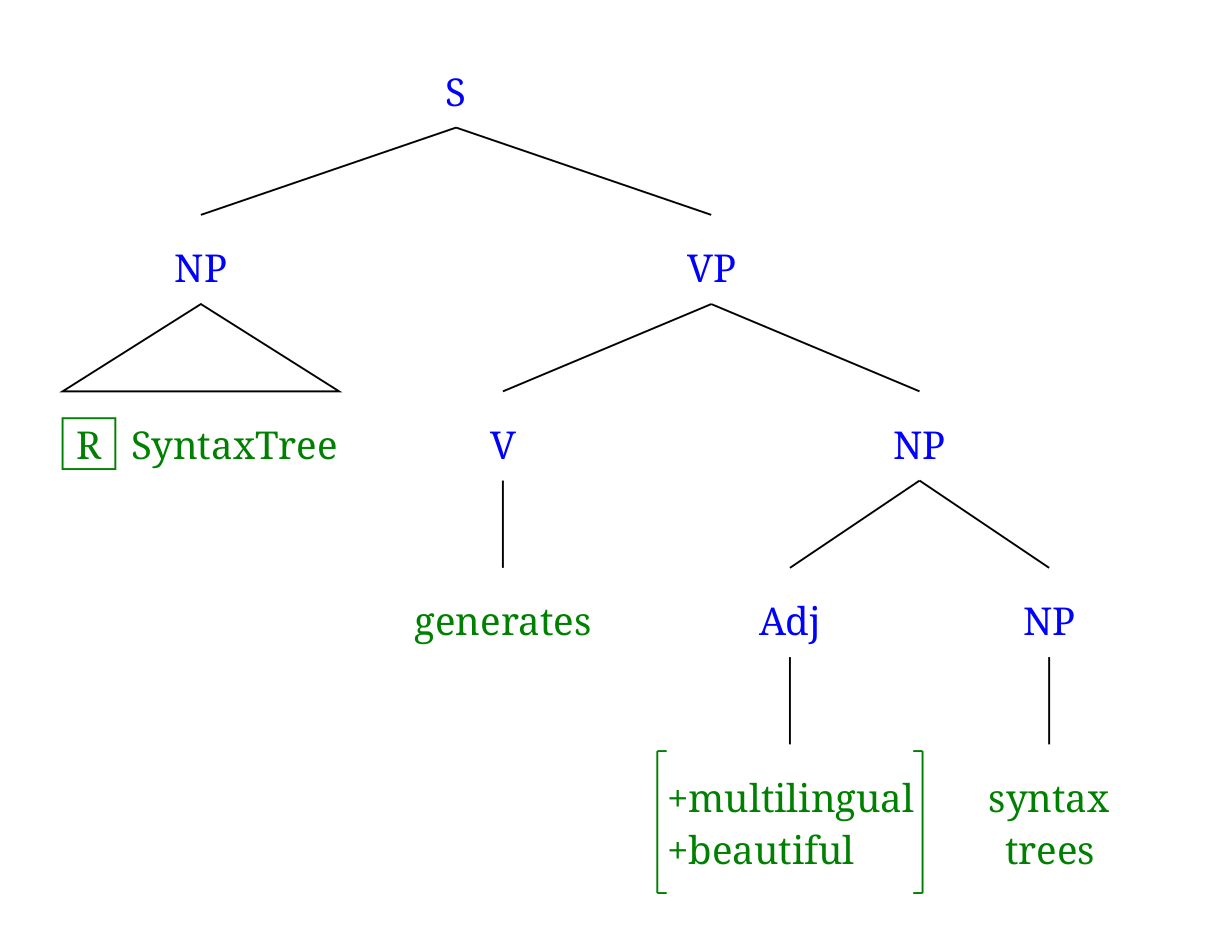
RSyntaxTree is a graphical syntax tree generator written in the Ruby programming language.
Documentation of the input text syntax and markups of RSyntaxTree is available in English and Japanese. See also Example Gallery for different types of sample input and result syntree images.
A command-line version of RSyntaxTree is available on GitHub. A web user interface for RSyntaxTree is also available; you can run RSyntaxTree with a web UI locally on your computer using Docker.
The original version of RSyntaxTree was inspired by phpSyntaxTree by André Esenbach.
What's new
As of 2.2.0 (September 2026). Dates and details for every release are in
the changelog.
- Every mistake at once: an input with three problems lists all three, one
entry each, where it used to stop at the first. The list appears in the
image area, and each entry says what is wrong and how to fix it
- Checking as you type: a mistake shows in the editor margin, and the bar
above the editor counts the problems. The separate check button is gone;
drawing reports the same thing
- The JSON output is called
json — -f json, writing syntree.json. The
old name lsif still works and will be removed in 3.0
A feature matrix comes out in the JSON as rows and cells rather than one
run of text, so a program can read an attribute and its value
Shear: Shear tilts the finished figure by so many degrees and Shear
plane draws the plane it lies on. The whole picture leans as one piece,
so a region shade inside it comes out a parallelogram
Label air sets the space a label keeps from its connectors, the same
above as below. It used to be a little wider below every label than above
JPG and GIF output are gone, and with them the ImageMagick dependency,
which the gem no longer needs installed. Use PNG
The options symmetrize, tidy_spacing and tidy_nest are gone too;
Tidy layout and H spacing say what they said, and asking for one of
the old names now says so rather than passing over it in silence
Derivations: Derivation joins each node to its daughters with one rule
drawn across them, and Direction: btt puts the words at the top — the
shape a CCG derivation is written in, with a name beside each step
Attribute-value matrices: #( … #)
nests one matrix inside another, for the feature structures of HPSG, LFG
and the like
A one-page reference for the notation — the characters that already mean
something, then every feature at a line each — at
notation.txt, also
what rsyntaxtree --notation prints; made for handing to an AI model
Region shade with %: shade the whole subtree a node governs, in colour
with %@blue:
Mirror option: right-to-left trees for Arabic and Hebrew syntax
Tidy layout: one scale from symmetric to high that packs the tree
Per-node colour with @color:, left-to-right layout with Direction, and
an IPA virtual keyboard
How to cite
If you use RSyntaxTree in your research or teaching materials, please cite it. You can use the following BibTeX entry (adjust version to the one shown at the top of this page):
@software{hasebe_rsyntaxtree,
  author  = {Hasebe, Yoichiro},
  title   = {RSyntaxTree: A graphical syntax tree image generator},
  url     = {https://yohasebe.com/rsyntaxtree},
  doi     = {10.5281/zenodo.21916150},
  version = {1.9.0},
  year    = {2026}
}
Related blog posts
RSyntaxTree tag on yohasebe.com
Author
Yoichiro HASEBE
License
The MIT License
 RSyntaxTree